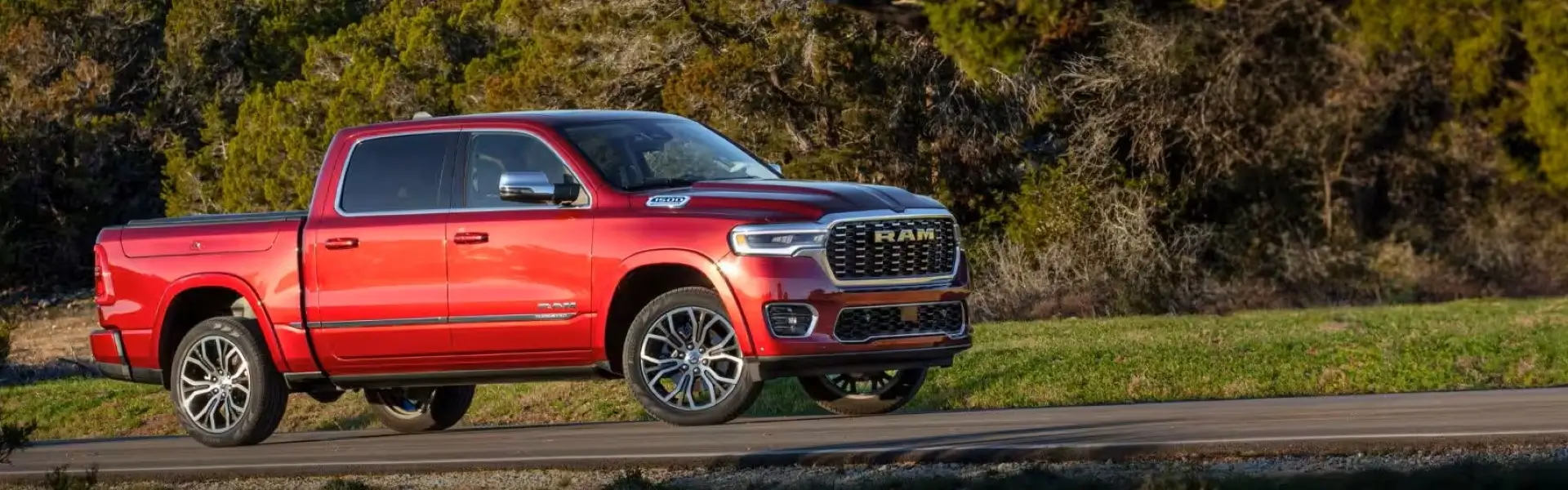
Uninstall or Reset Ram 1500 Navigation Maps
There are times when you may need to uninstall a map update from your Ram 1500 Uconnect system — whether due to a failed installation, corrupted data, or simply wanting to roll back to a previous map version. This guide provides step-by-step methods to safely uninstall, reset, or restore your navigation system. Choose the method that best fits your situation.
📌 When Should You Uninstall a Map Update?
- Failed Installation: The map update was interrupted and the navigation system is stuck or not responding.
- Corrupted Maps: Navigation shows incorrect routes, missing roads, or freezes frequently.
- Activation Errors: The map license code won't activate despite multiple attempts.
- Rollback Needed: The new map version has bugs or compatibility issues with your Uconnect system.
- Preparing for Resale: You want to reset the navigation system to factory settings before selling the vehicle.
- System Glitches: Uconnect is slow, rebooting randomly, or GPS signal is lost after update.
🔁 Method 1: Soft Reset (Uconnect Reboot)
Perform Uconnect System Reboot
This is the simplest method to clear temporary glitches without losing map data.
- With the vehicle running (or in ACC mode), press and hold the volume knob and tuner knob simultaneously for 10–15 seconds.
- The Uconnect screen will go black and then reboot with the RAM logo.
- Release the knobs when the system restarts.
- Check if navigation issues are resolved.
🔄 Method 2: Factory Reset Navigation (Clear Map Data)
Reset Navigation to Factory Settings
This method removes all user data, saved addresses, and may clear corrupted map cache.
- On your Uconnect screen, go to Settings → System → Reset.
- Select Reset Navigation Settings or Factory Data Reset.
- Confirm your selection when prompted.
- The system will reboot and navigation settings will return to default.
- Note: This does NOT uninstall the map version — it only resets preferences and saved locations.
🗑️ Method 3: Full Uconnect Factory Reset (All Data)
Perform Complete Uconnect Factory Reset
This removes all personal data, paired phones, radio presets, and navigation cache. Use only if experiencing major system issues.
- Go to Settings → System → Reset.
- Select Reset All Settings to Factory Defaults.
- Enter the security code (if prompted).
- Confirm reset. The system will reboot and take 2–5 minutes to initialize.
- After reset, you'll need to set up navigation preferences again.
💾 Method 4: Uninstall Corrupted Map Using USB
Remove Corrupted Map Data via USB Recovery
If a map update failed and left the navigation system in an unusable state, use this recovery method.
- Step 1: Download the official Ram 1500 map recovery tool or the latest clean map update package.
- Step 2: Format a USB drive (32GB+ to exFAT) and copy the recovery map files to the root.
- Step 3: Insert USB into the vehicle's data port with the engine running.
- Step 4: The system should detect corrupted data and prompt "Repair Navigation Data" or "Reinstall Maps".
- Step 5: Follow on-screen prompts. The system will remove corrupted files and reinstall fresh map data.
- Step 6: After completion, enter your activation code if prompted.
🛠️ Method 5: Manual Map Data Removal (Advanced Users)
Access Engineering Menu to Clear Map Data
For advanced users experiencing persistent navigation issues, the Uconnect engineering menu offers deeper reset options.
- With the vehicle in ACC mode, press and hold the volume knob and tuner knob for 20+ seconds until the engineering menu appears.
- Navigate to Navigation → Clear Map Data or Reset Navigation Module.
- Confirm the action. This will completely remove all installed map files from the system.
- The system will reboot with no map data installed.
- You will need to reinstall a map update using USB to restore navigation functionality.
🔋 Method 6: Hard Reset via Battery Disconnect
Perform Hard Reset by Disconnecting Battery
This method forces the Uconnect system to completely power down and clear all volatile memory.
- Ensure the vehicle is turned off and keys are removed.
- Disconnect the negative (-) battery terminal using a wrench.
- Wait 15–20 minutes to allow system capacitors to fully discharge.
- Reconnect the negative battery terminal and tighten securely.
- Start the vehicle. Uconnect will reboot and rebuild system data.
- Check if navigation issues are resolved.
📊 Comparison: Which Uninstall Method to Choose?
| Method | What It Does | Map Data Removed? | Best For |
|---|---|---|---|
| Soft Reset | Restarts Uconnect system | No | Minor glitches, slow response |
| Factory Reset Navigation | Clears saved addresses & preferences | No | Corrupted settings, history issues |
| Full Uconnect Factory Reset | Erases all personal data & settings | No (maps remain) | Major system issues before selling |
| USB Recovery Install | Overwrites corrupted map data | Yes (replaces with clean install) | Failed update, navigation not working |
| Engineering Menu Clear | Removes all map files | Yes | Persistent corruption, advanced users |
| Battery Disconnect | Hard reset of system | No (may reset activation) | System completely frozen |
📥 After Uninstalling: How to Reinstall Maps
If you have successfully uninstalled or cleared map data from your Ram 1500 navigation system, follow these steps to reinstall:
- Step 1: Purchase or retrieve your official Ram 1500 map update package with activation code.
- Step 2: Download the map files to your computer (15GB–28GB).
- Step 3: Format a USB drive (32GB+ to exFAT) and copy map files to root directory.
- Step 4: Insert USB into vehicle's data port with engine running.
- Step 5: Follow on-screen prompts to install fresh maps (30–60 minutes).
- Step 6: Enter your activation code when prompted.
- Step 7: Verify installation by checking map version in settings.
❓ Common Uninstall Issues & Solutions
❌ "Cannot Reset Navigation" Option Grayed Out
- Solution: Some Uconnect models require the vehicle to be in PARK with engine running. Ensure you're in PARK and try again.
- If still grayed out, try the engineering menu method (Method 5) instead.
❌ System Won't Boot After Failed Update
- Solution: Disconnect the battery for 20 minutes (Method 6). Reconnect and attempt USB recovery installation immediately.
- If the screen remains black, contact support for advanced recovery tools.
❌ Activation Code Not Recognized After Reinstall
- Solution: Ensure you're using the correct code for your VIN and map region.
- If the code was already used on another vehicle, you may need to purchase a new license.
- Contact support with your order number to verify activation status.
❌ Maps Still Show Old Version After Reset
- Solution: Factory resets do not uninstall map data. You must perform a USB recovery install or engineering menu clear to remove old maps.
- Use Method 4 or Method 5 to completely remove existing map data before reinstalling.
⚠️ Important Precautions Before Uninstalling
- Backup Your Data: Save any important saved addresses or routes before performing a factory reset.
- Have Installation Files Ready: Before uninstalling maps, ensure you have a valid map update file and activation code to reinstall.
- Battery Health: If performing a long installation after uninstall, ensure battery is fully charged or use a maintainer.
- Warranty Considerations: Modifying system files via engineering menu may void dealer warranty in rare cases. Proceed with caution.
- Dealer Visit Alternative: If under warranty, consider visiting a Ram dealer for navigation issues rather than performing advanced uninstall procedures.
📞 When to Seek Professional Help
If you've tried multiple uninstall methods and your Ram 1500 navigation system remains unresponsive or shows persistent errors, professional assistance may be needed:
- Uconnect screen remains black after battery disconnect.
- Navigation module is completely unrecognized.
- Constant "Navigation Data Corrupted" error message.
- System repeatedly reboots without completing startup.
- USB recovery fails at the same point each time.
Our support team can help diagnose the issue and provide advanced recovery solutions.